
 Back to all FAQs
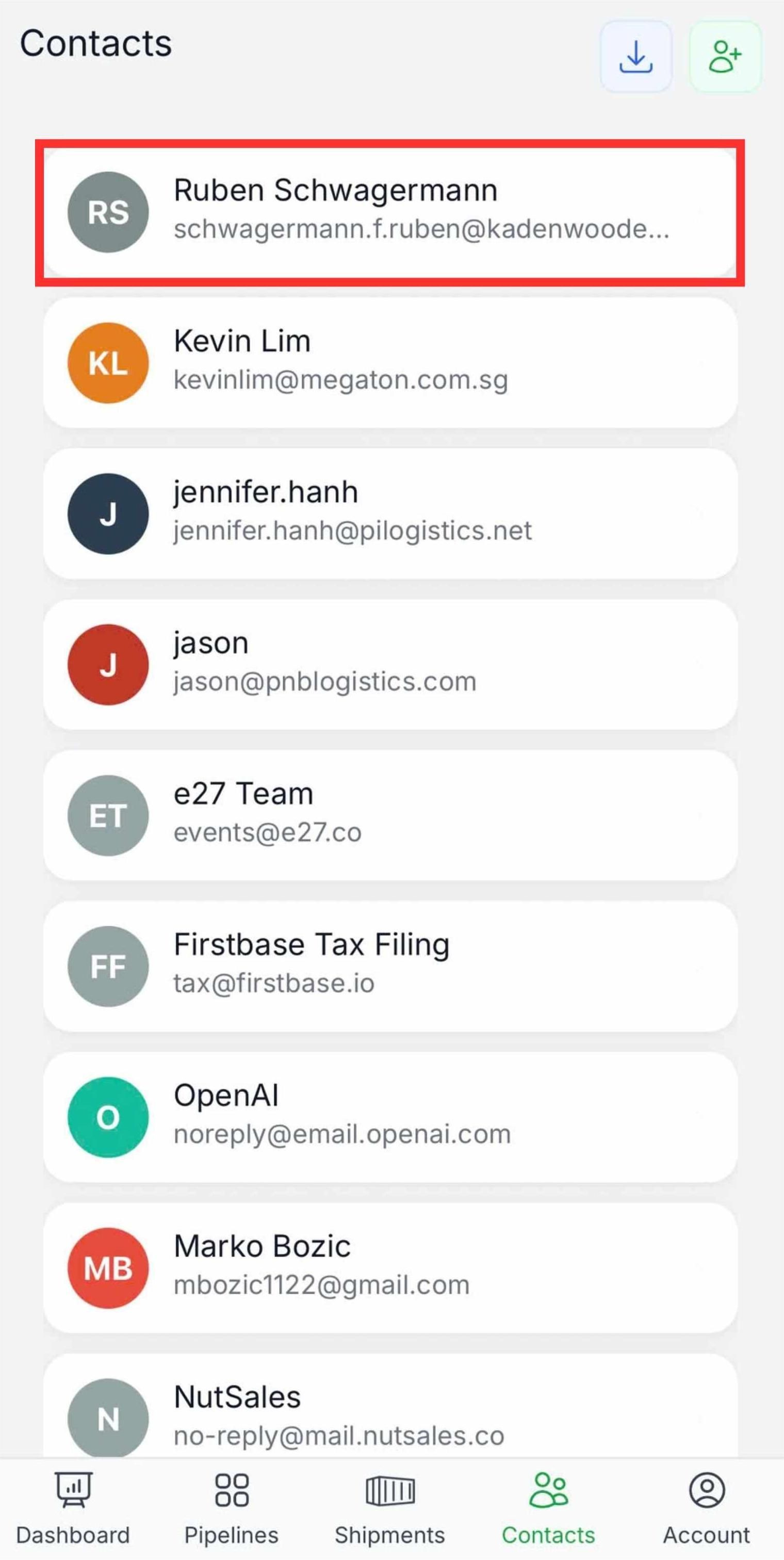
Step 1: Open the “Nutsales mobile app” and tap the “Contact icon” in the bottom navigation bar.

Step 2: Select the contact you want to send an email to.
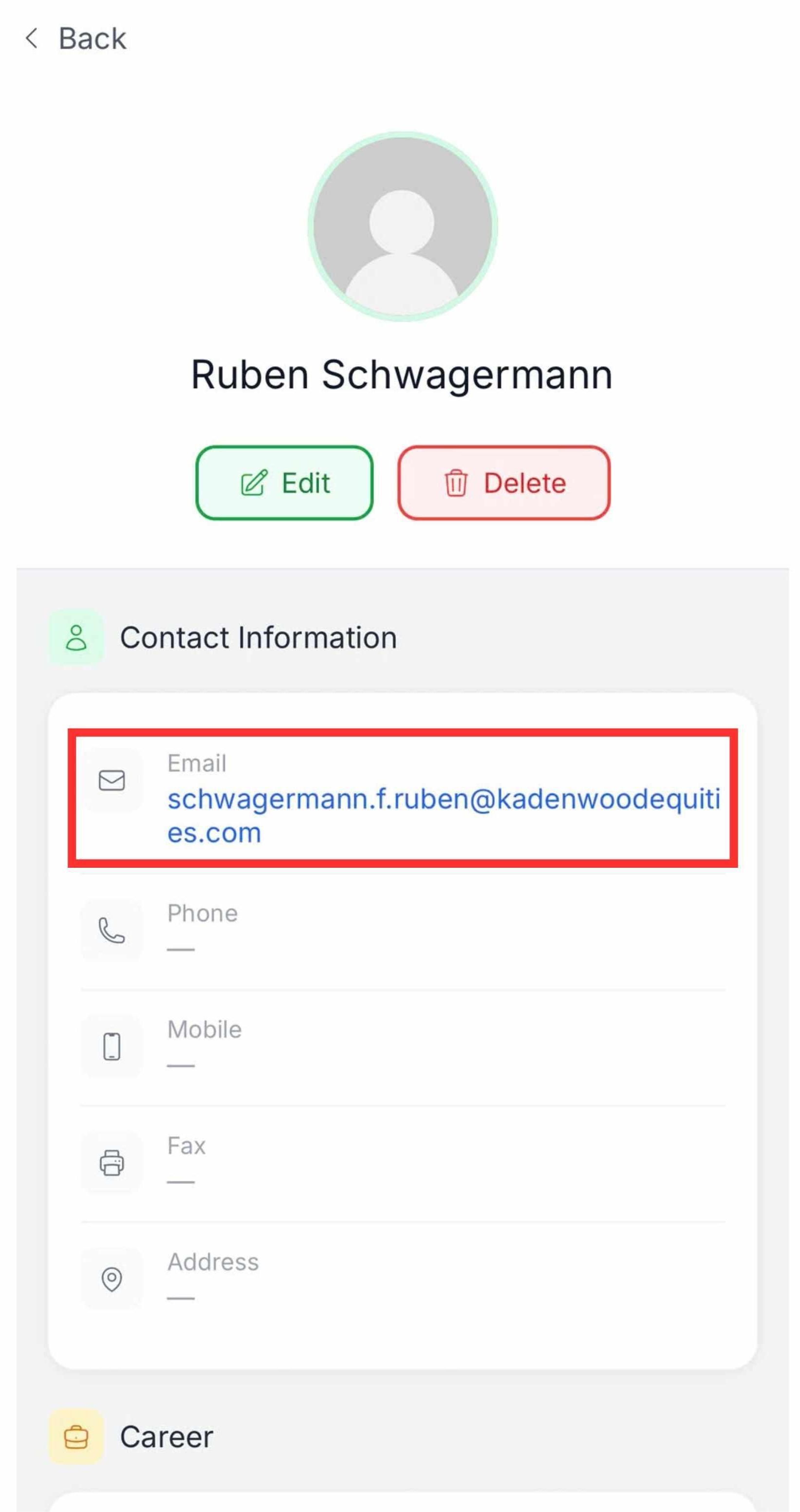
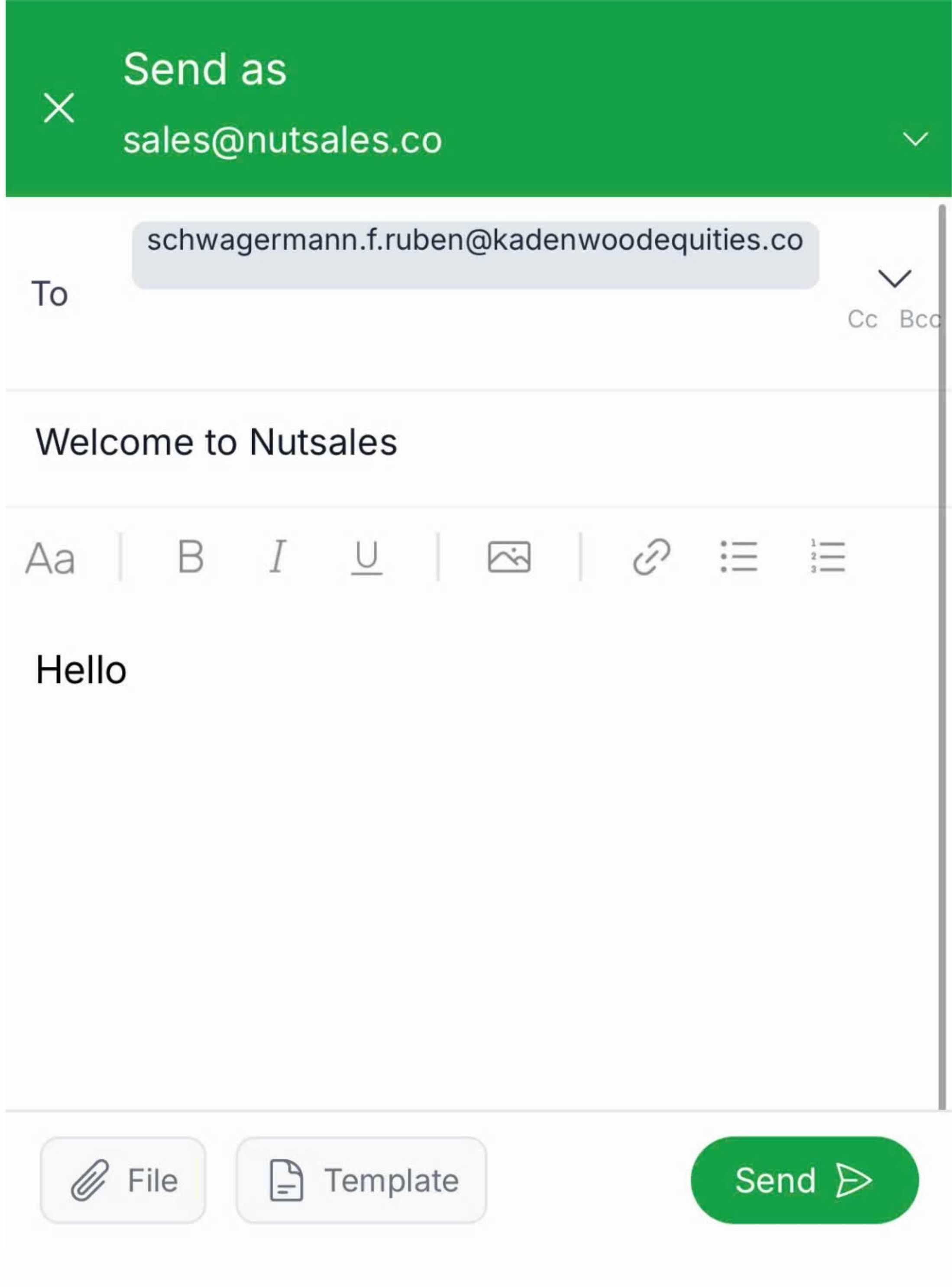
Step 3: Tap on the “contact’s email address”, then compose and send your email directly within the Nutsales app.