
 Back to all FAQs
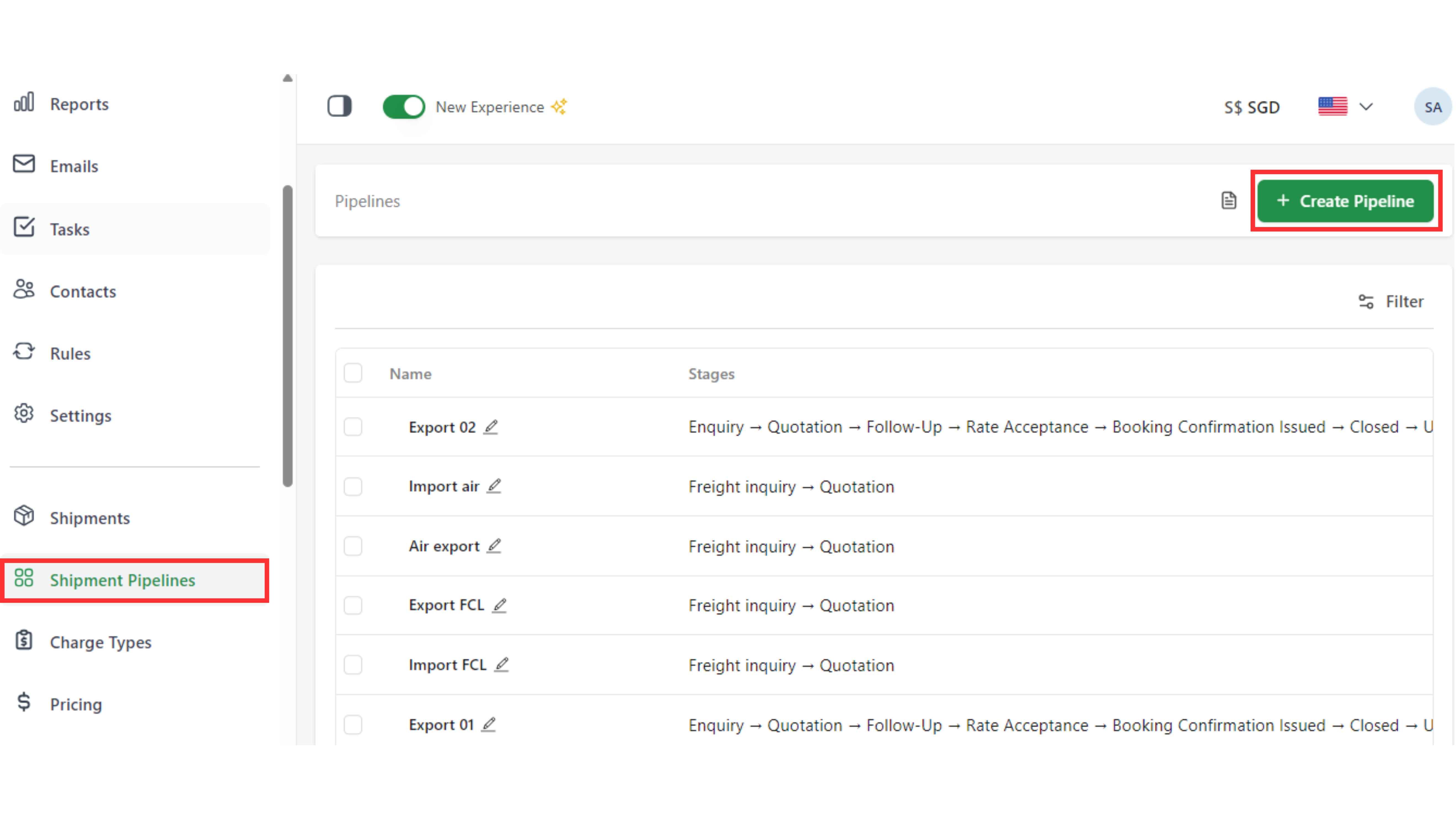
Step 1: Go to the “Shipment Pipelines" page and click “Create Pipeline”.
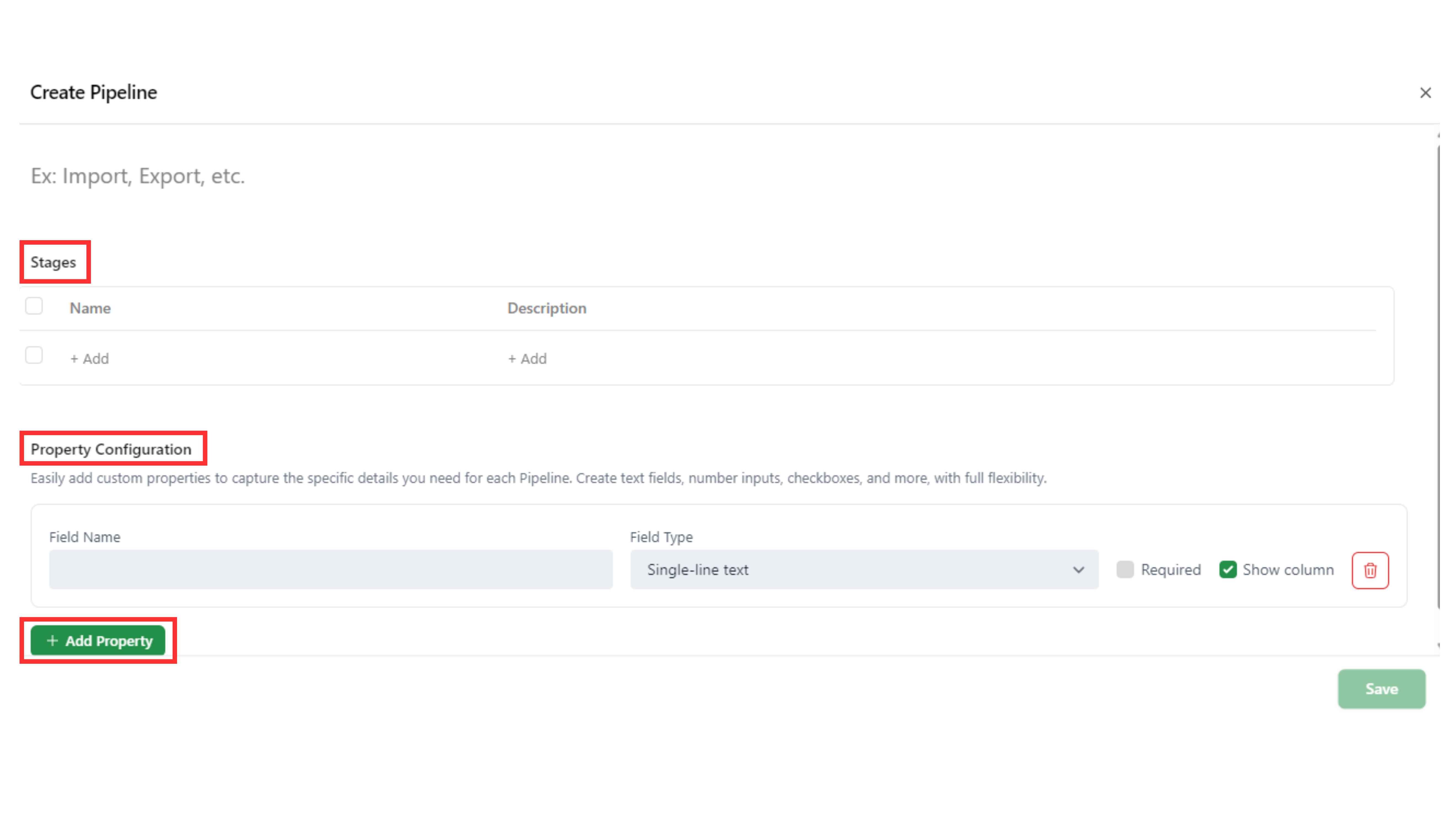
Step 2: Fill the information of Pipeline (Stages, Property Configuration). Click “Add property” to add custom “Field name” In “Property configuration”.
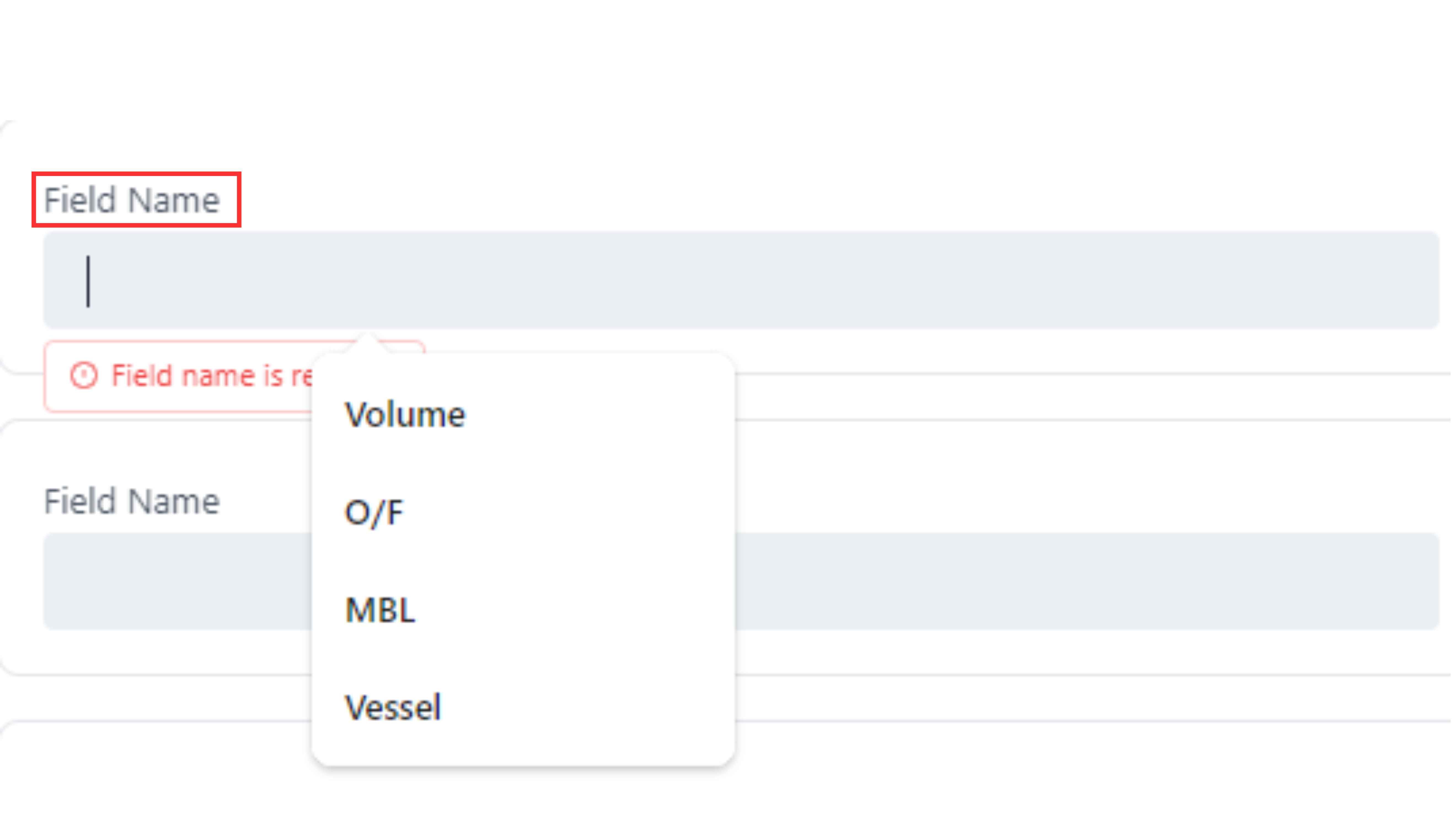
Step 3: Start by filling the “Field Name”.
And then a “Field Type” (text, number, date, select, etc).
- Show column: Displays the field as a column on the Shipments page when you create a shipment in this “Pipeline”.
- Required: Marks the field as mandatory (shown with a red asterisk * on the Shipment page).
- Delete field: Click the trash icon to remove the field.
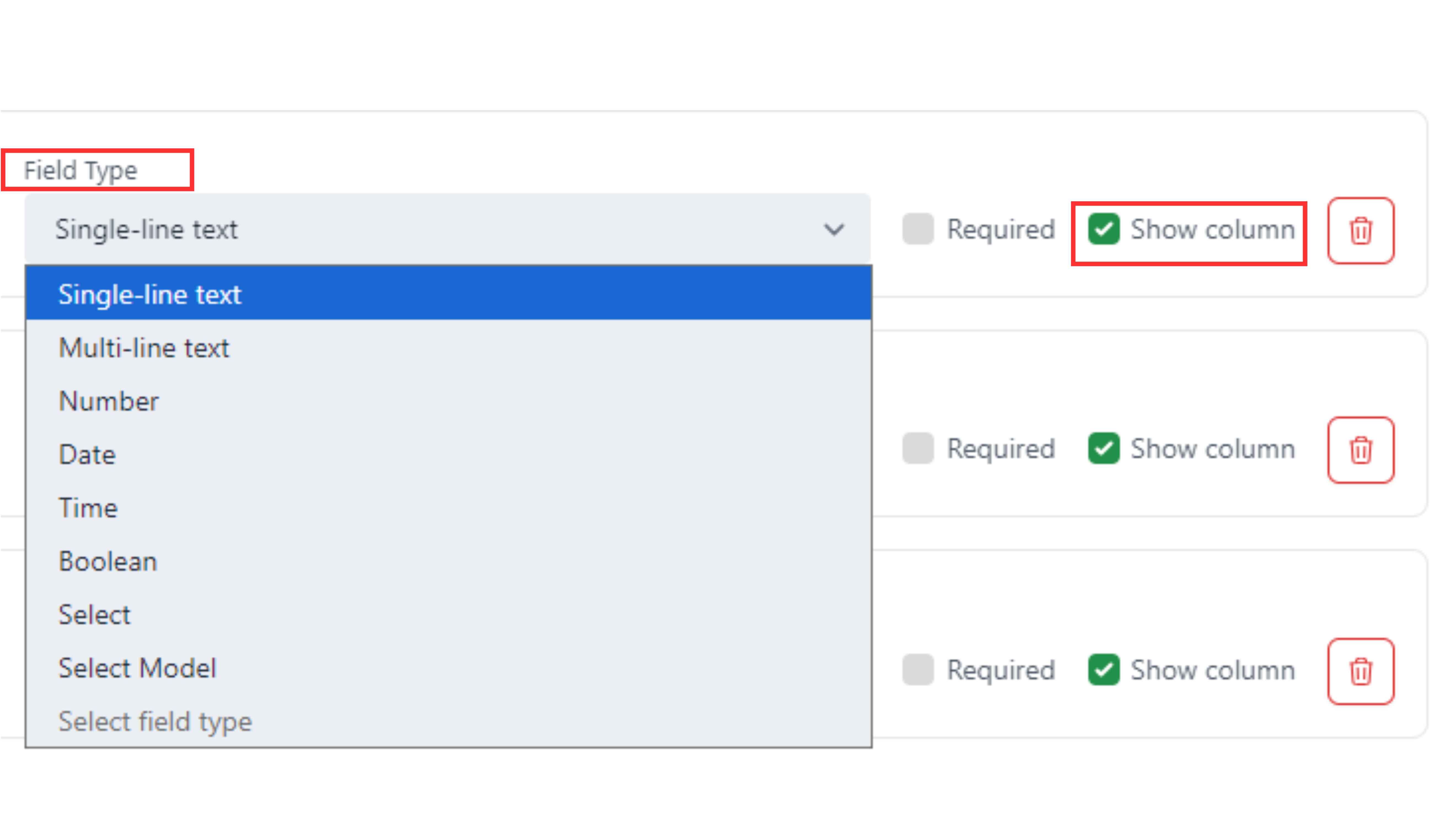
New in Shipment Pipeline of Nutsales: Use “Select Field” for predefined values and “Select Model” to link shipments with Companies instantly.
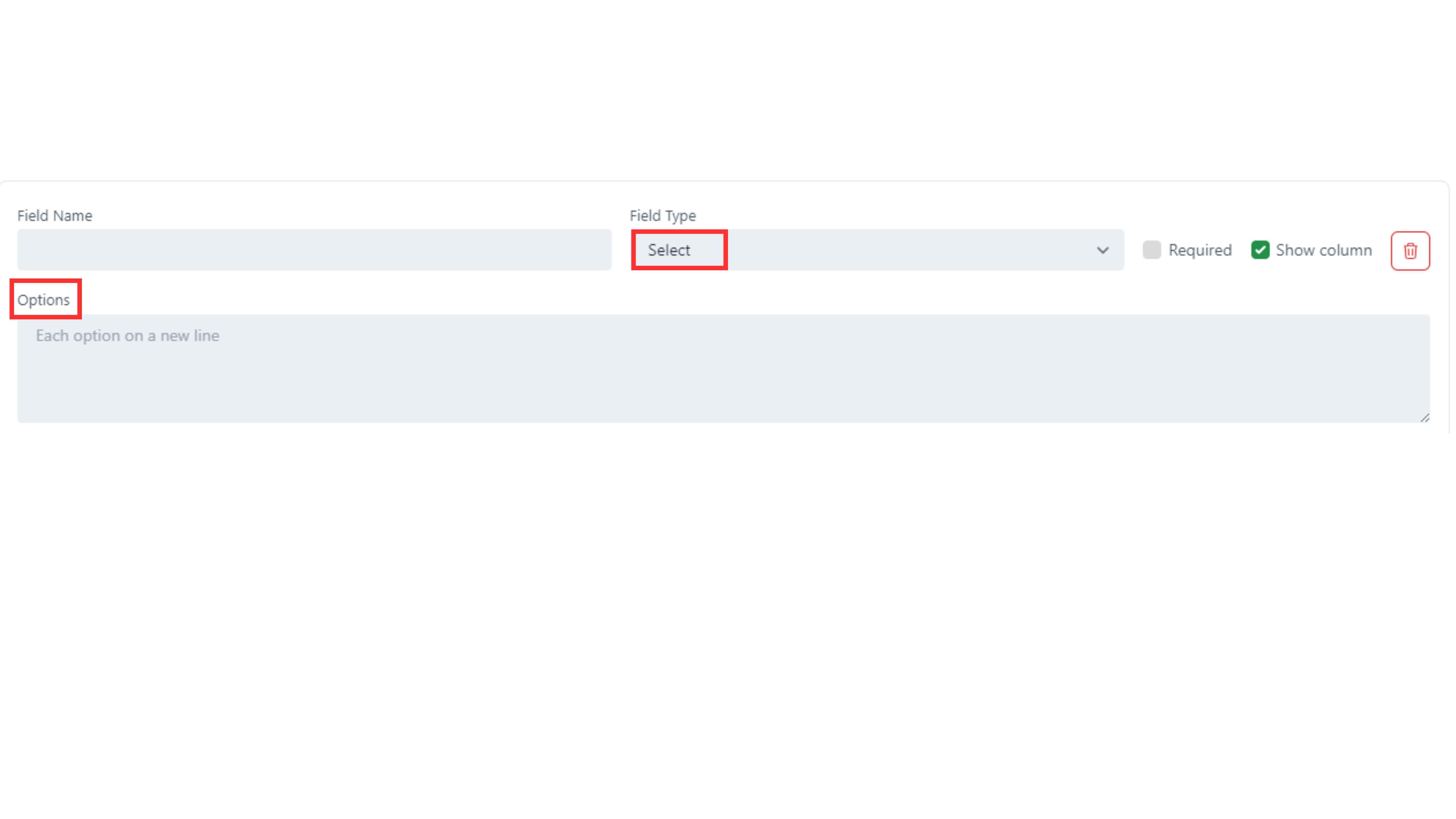
For “Select” fields, define the options.
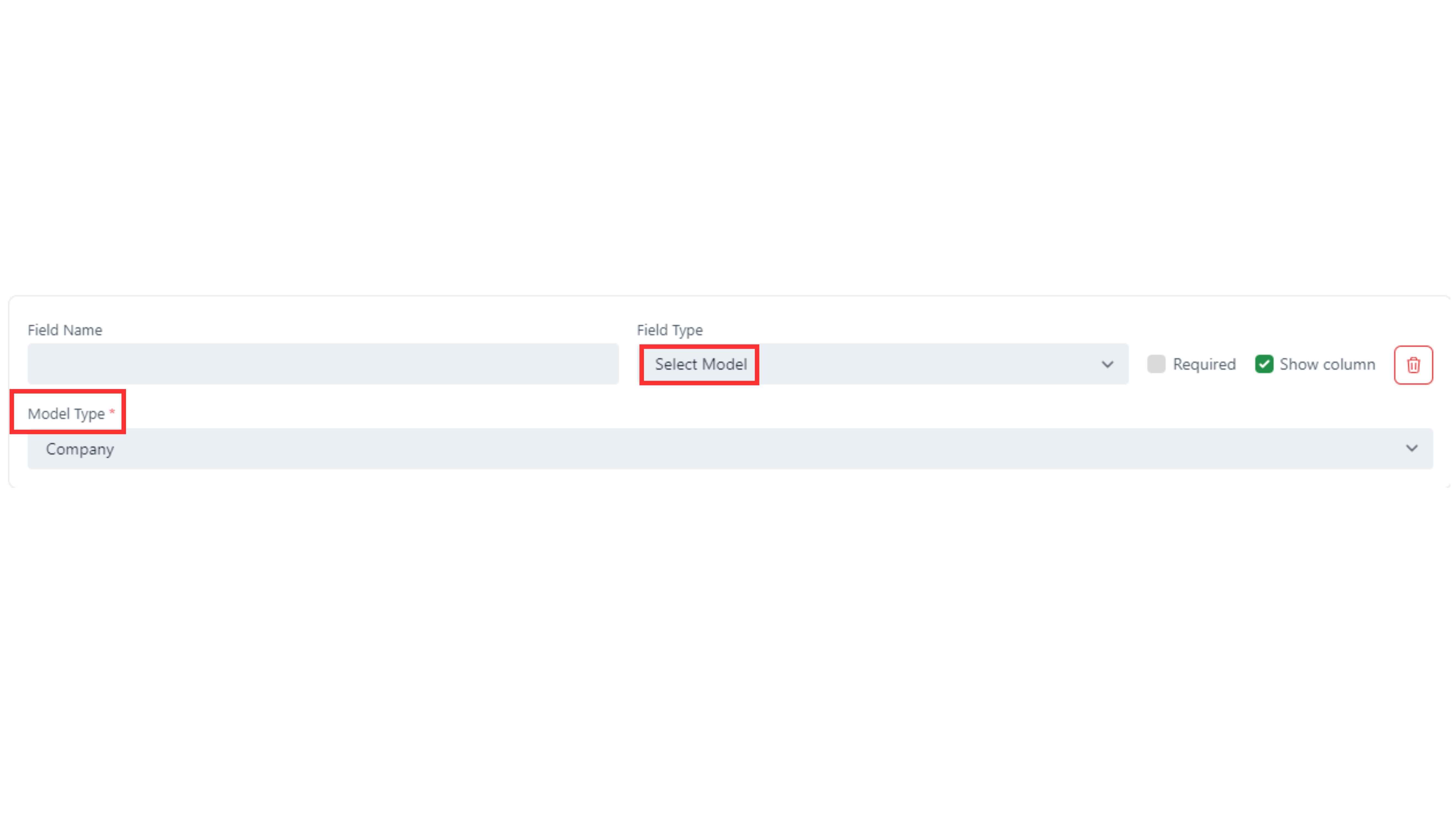
For “Select Model” fields, choose the “Model Type”.
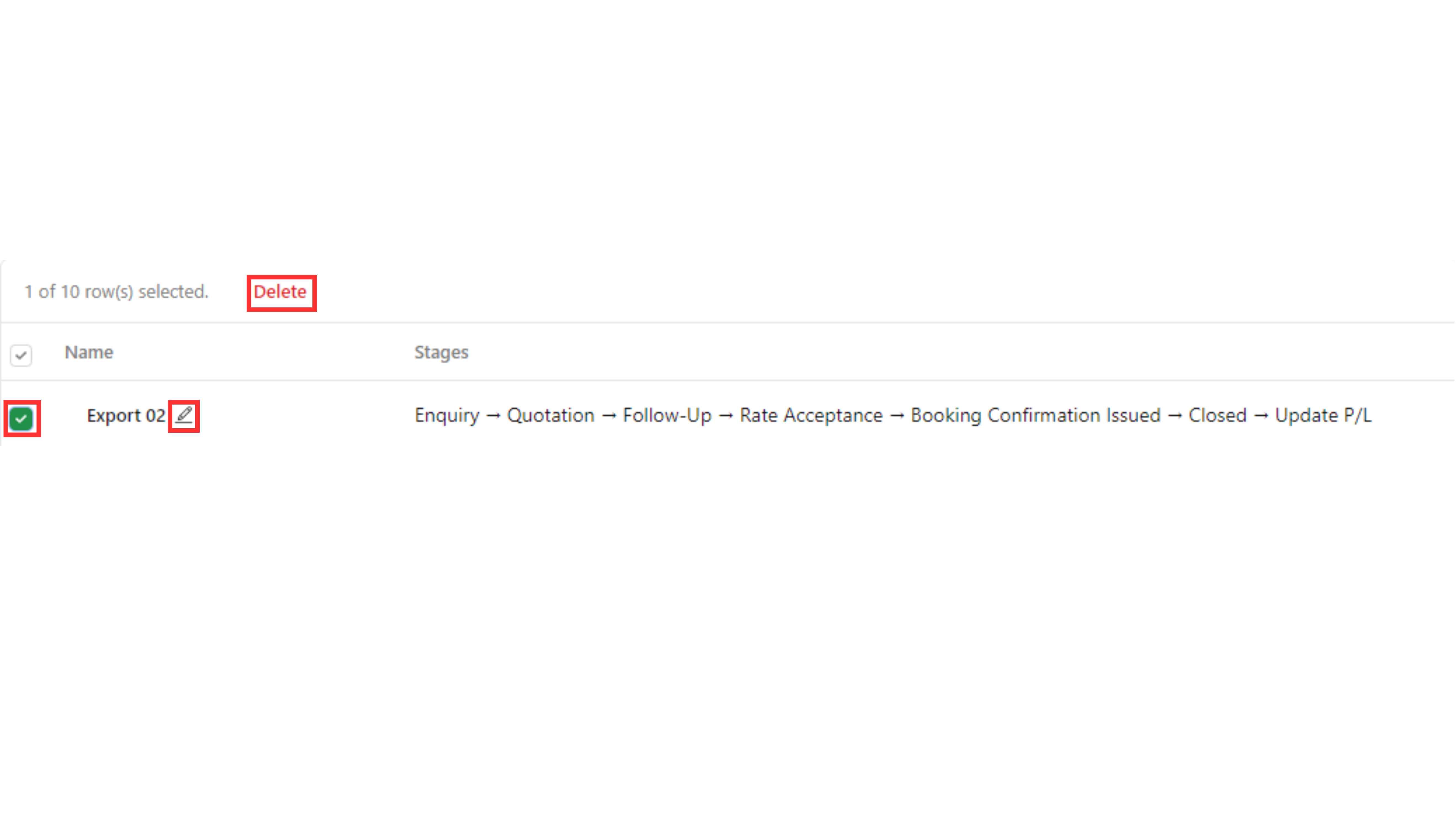
NOTE: You can edit the details of Shipment Pipelines by choosing the "Pen" symbol. Besides, you can also click to the box at the first line to delete the pipeline.