
 Back to all FAQs
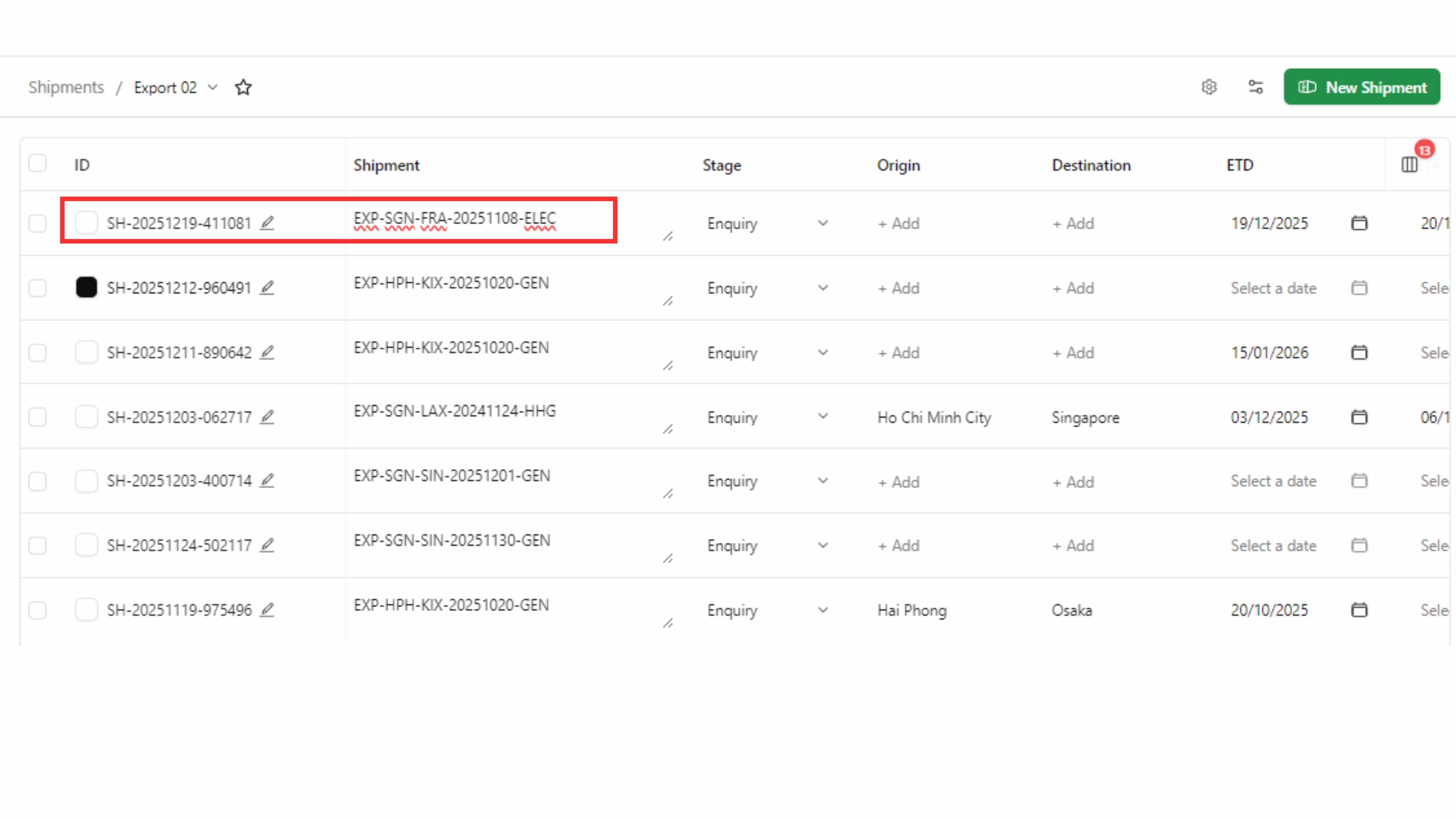
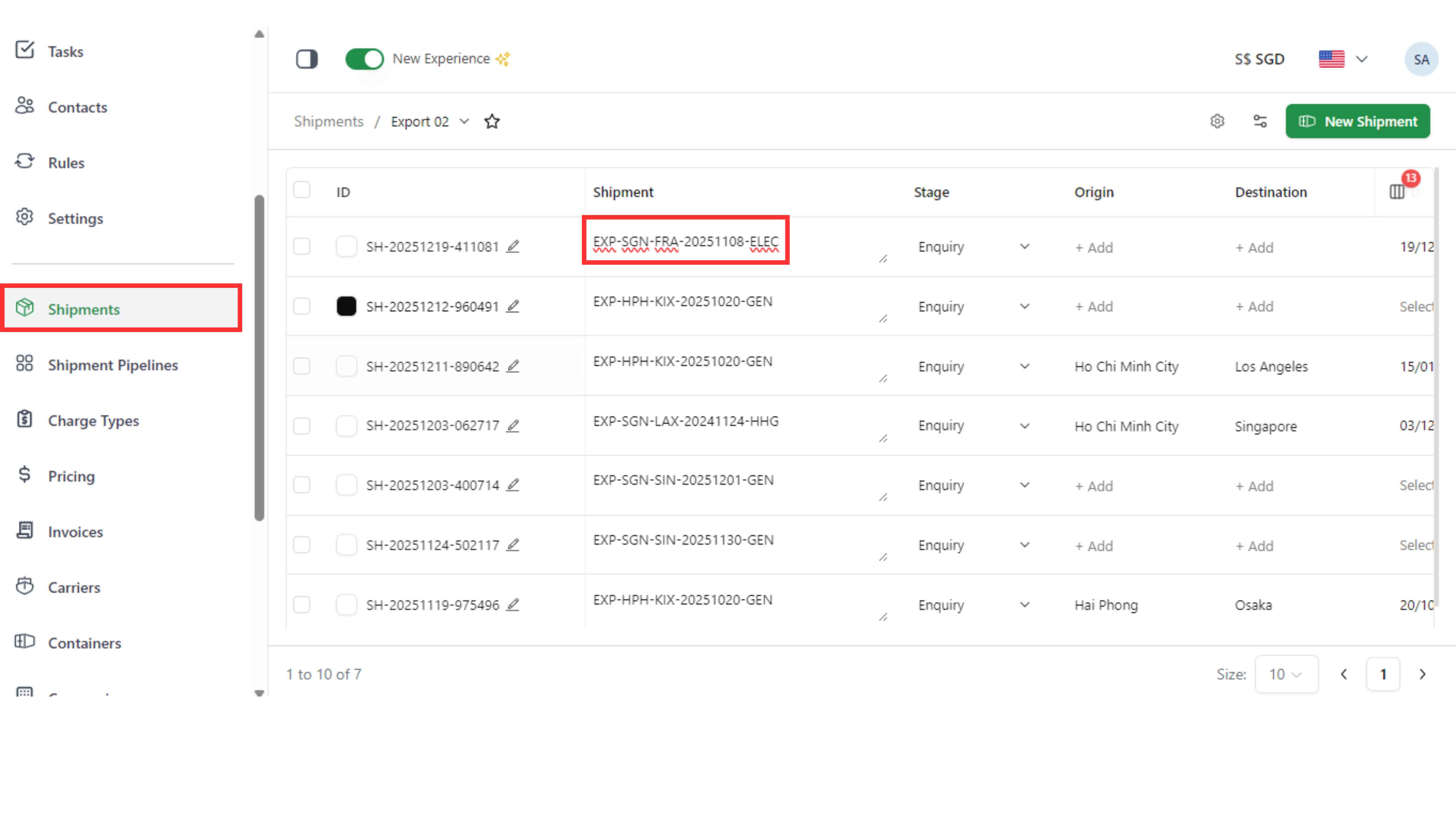
Step 1: Go to the “Shipments" page and copy the shipment name.
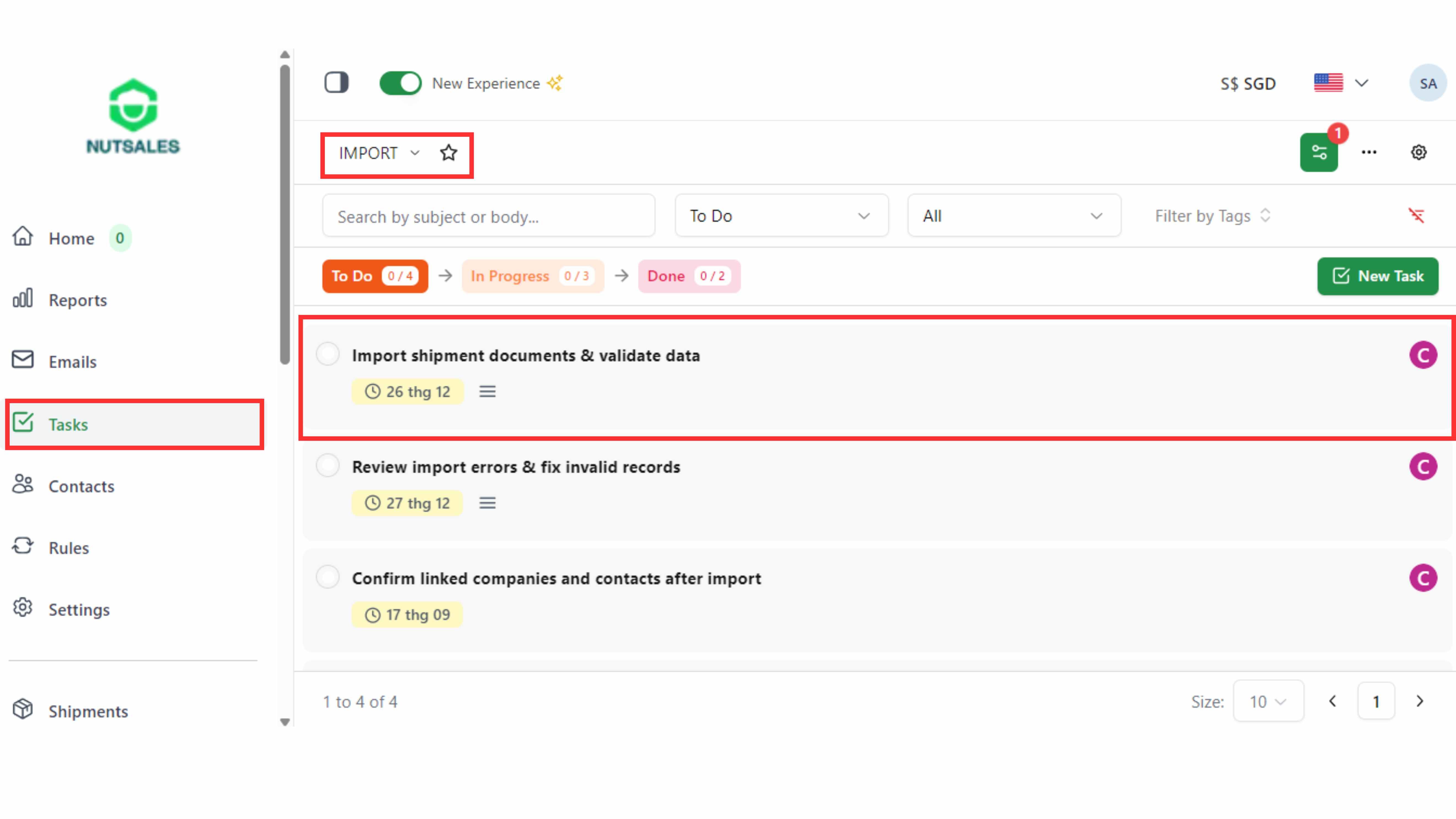
Step 2: Go to the “Tasks" page, select the pipeline, and open the task.
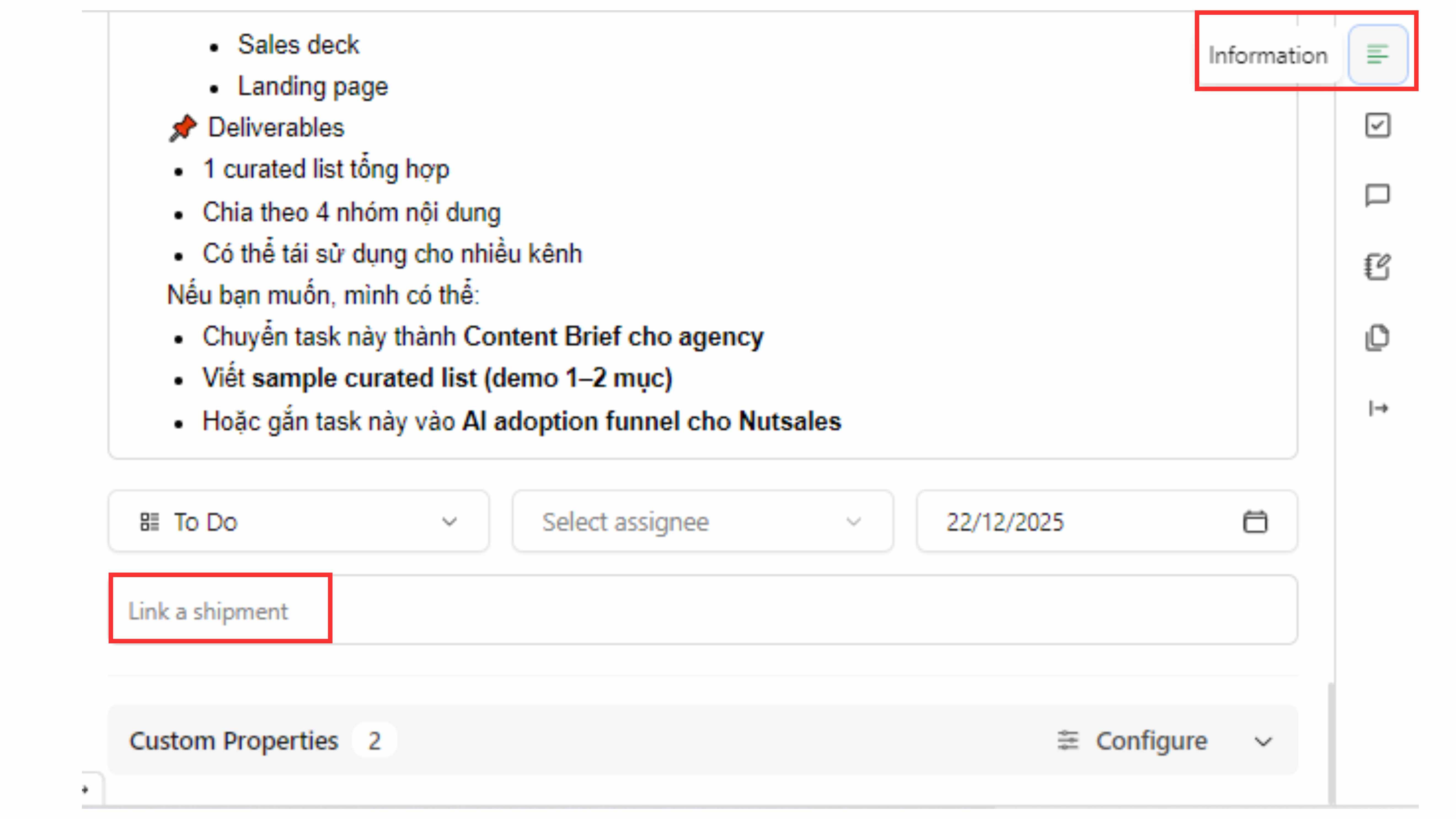
Step 3: Click Information in the right-hand panel and paste the shipment name into “Link to Shipment”.
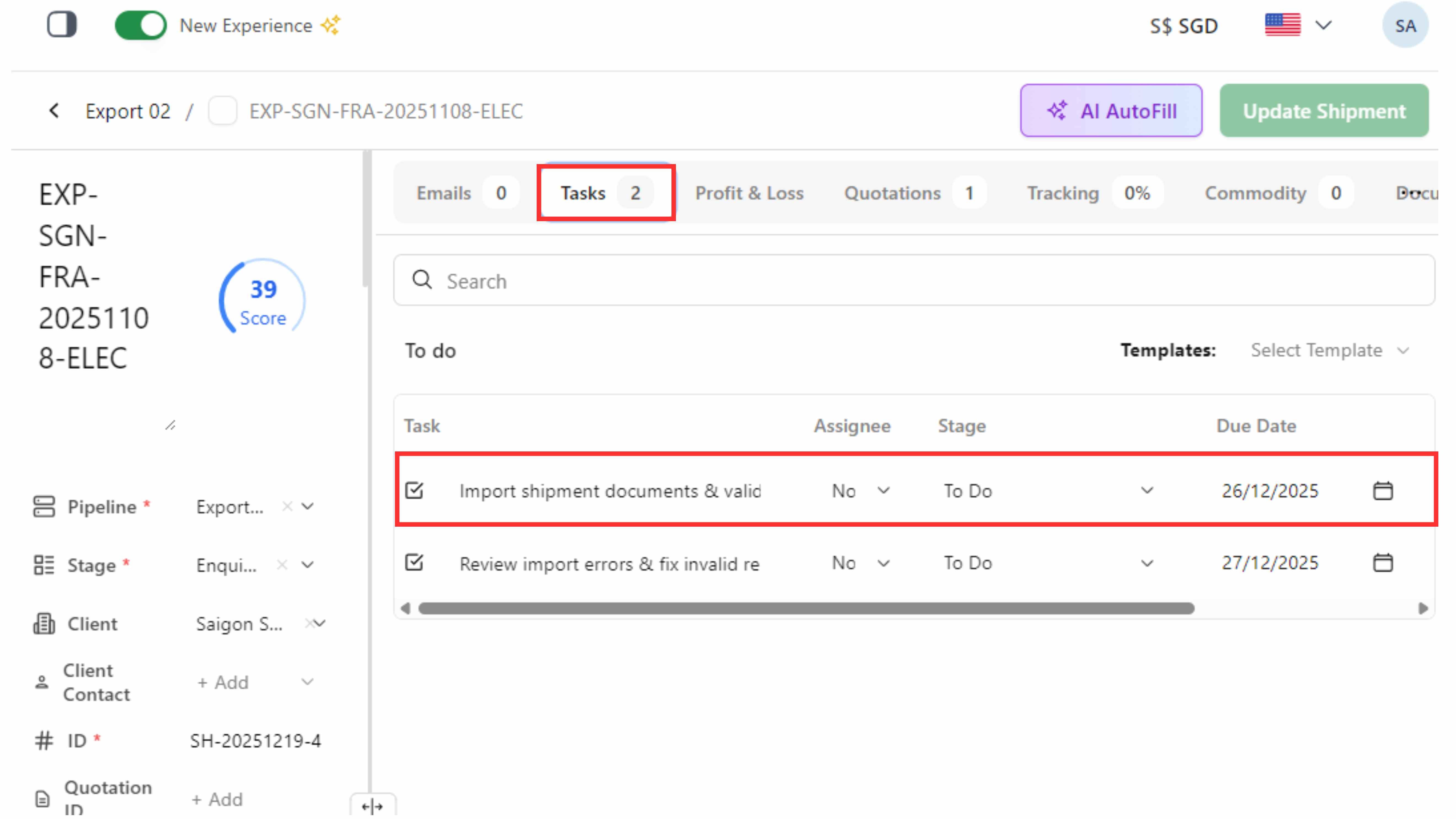
Step 4: Open the shipment and view linked tasks in the “Tasks"tab.